As a business grows, managing enquiries through inboxes, notebooks and separate spreadsheets becomes harder. Important details are missed, follow-ups are delayed and managers have limited visibility of what is happening.
A customer relationship management system, commonly called a CRM, replaces that scattered process with one reliable source of information. It helps your team understand every lead, record each conversation and move opportunities forward with greater consistency.
What is a CRM?
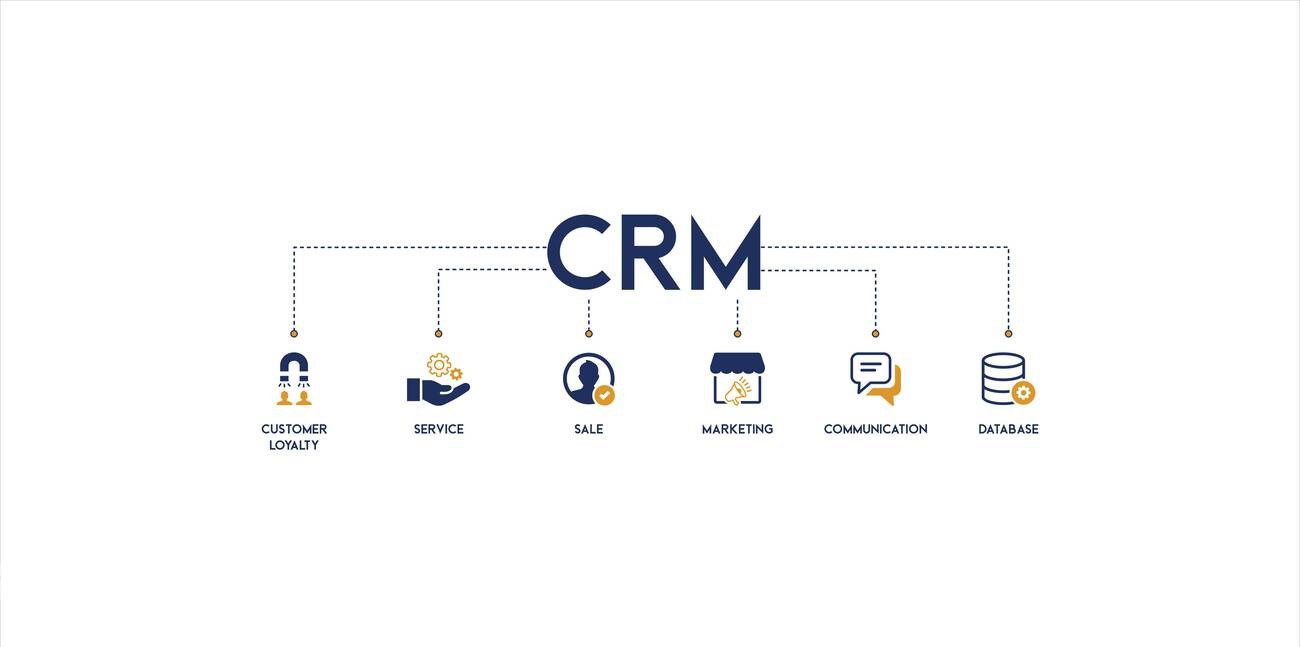
A CRM is a system used to organise relationships with leads and customers. It can record contact details, enquiry sources, conversations, appointments, tasks, documents and progress through your sales process.
The best CRM is not necessarily the platform with the longest feature list. It is the one that reflects the way your team actually works, remains easy to use and gives decision-makers useful information.
How a CRM improves lead management
1. Every enquiry is kept in one place
Leads may arrive through a website form, phone call, social media message, advertisement or referral. A CRM brings these records together so the team can see the lead's source, requirements, contact details and current status.
2. Follow-ups become consistent
Tasks, reminders and automated workflows help staff follow up at the right time. This reduces the chance of a genuine opportunity being forgotten during a busy day.
3. Customer conversations remain visible
When calls, emails and notes are connected to the same record, another team member can understand the situation without asking the customer to repeat everything.
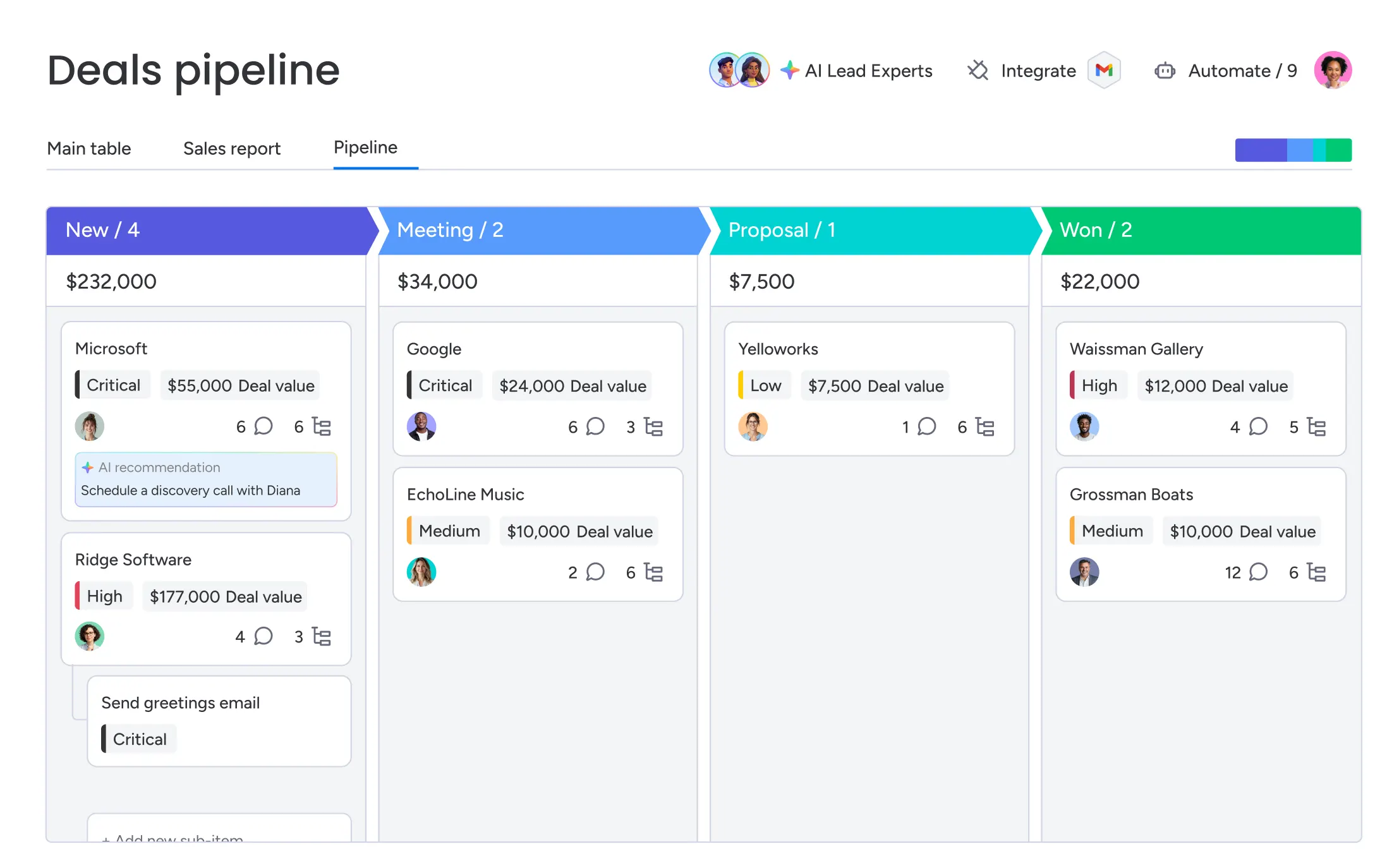
Image search phrase: sales manager reviewing customer pipeline analytics dashboard
4. Managers gain clearer reporting
A well-configured dashboard can show new enquiries, response times, pipeline value, conversion rates, overdue follow-ups and common lost reasons. These insights help managers address problems using evidence rather than assumptions.
5. Growth becomes easier to manage
A repeatable process allows new staff to understand how leads should be handled. It also helps the business maintain service standards as enquiry volume, team size or locations increase.
Useful CRM features to consider
Your requirements will depend on your business, but a practical CRM often includes:
- Contact and lead records
- Custom pipeline stages
- Tasks and follow-up reminders
- Email, call and note history
- Lead source and campaign tracking
- Dashboards and performance reports
- User roles and access controls
- Integration with website forms and other business tools
Signs your business may need a CRM
A CRM may be worth considering when:
- Staff maintain separate lead spreadsheets
- Follow-ups depend heavily on individual memory
- Customer information is spread across multiple inboxes
- Managers cannot quickly see the status of current opportunities
- Leads are lost when a staff member is absent or leaves the business
- Reporting takes too much manual effort
How to approach CRM implementation
Begin with the business process, not the software. Map how an enquiry enters the business, who responds, what information is collected, how follow-ups happen and when a lead becomes a customer.
From there, define the essential fields, stages, responsibilities and reports. Introduce the system in manageable steps, train the people who will use it and review the data regularly. A focused first version is often more valuable than a complicated system that takes too long to launch.
Final thoughts
A CRM does more than store contact details. When it is designed around a clear process, it helps people respond faster, communicate consistently and understand where opportunities are being won or lost.
Axiom Digital can help you plan, configure or develop a CRM solution around your team's real workflow. If you would like to discuss your current lead-management process, send us an enquiry.